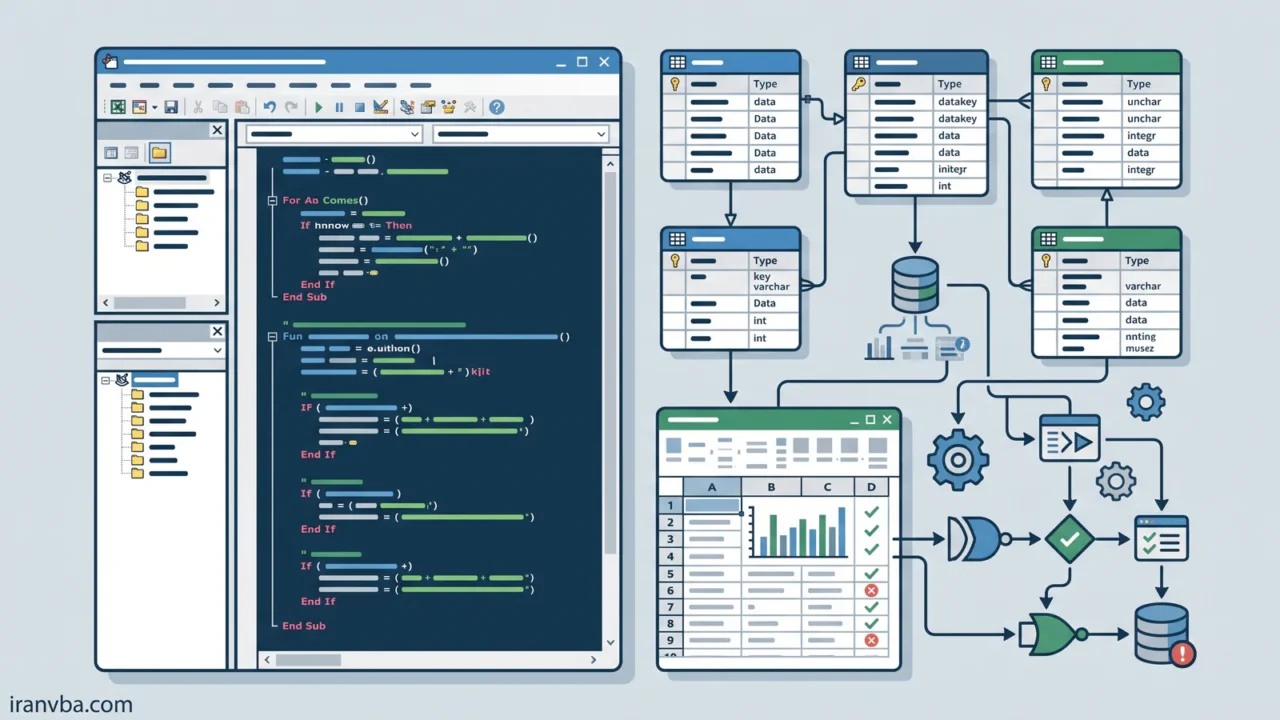
Access SQL Constraints and Validation Rules
Data integrity is a fundamental aspect of any robust database application. In this tutorial, we will explore Access SQL Constraints and how they help enforce data validation rules directly at the database engine level. By mastering these techniques, you ensure your Microsoft Access applications only accept valid, consistent data.
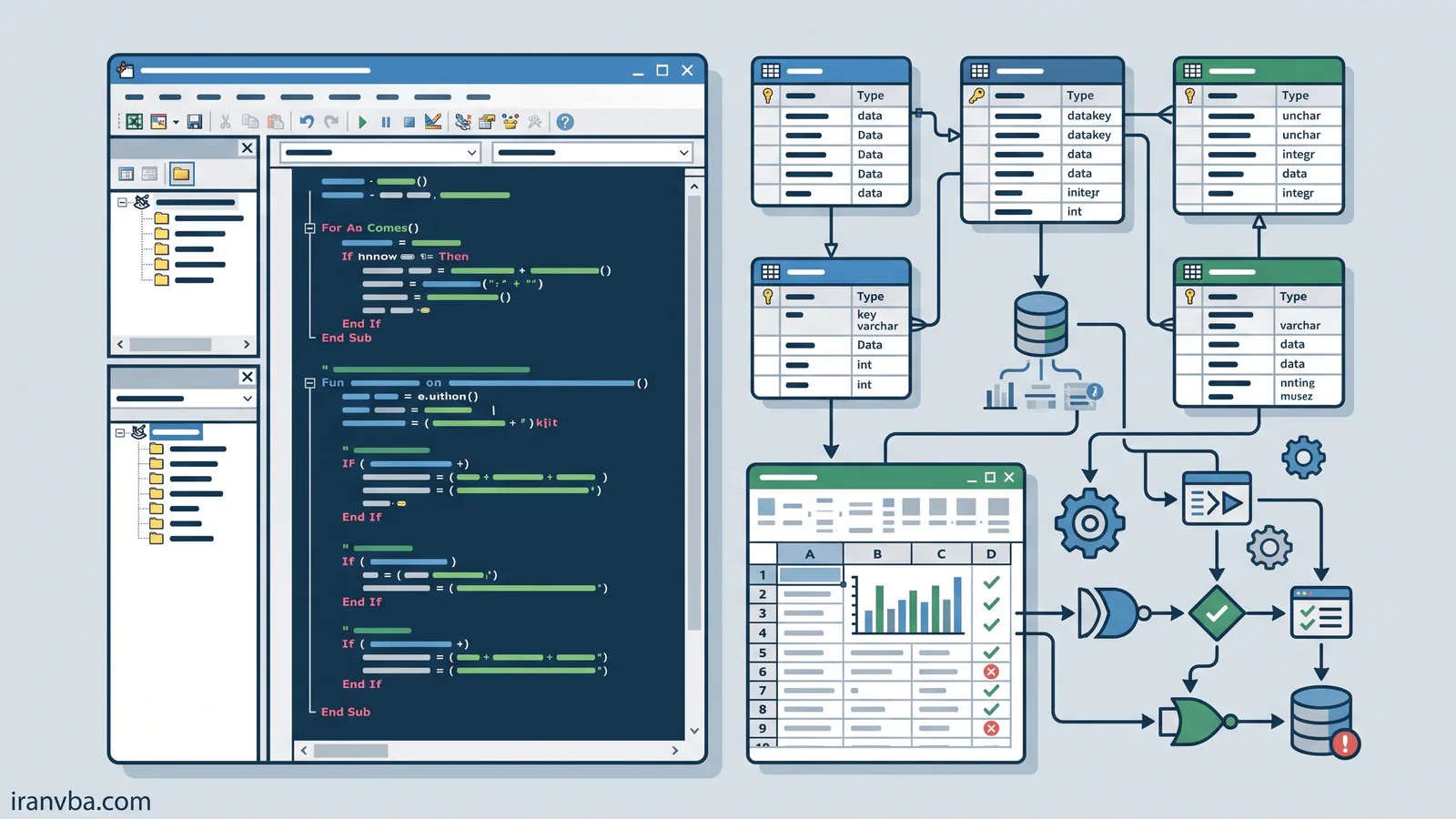
What are Access SQL Constraints?
Constraints are strict rules applied to table columns or entire tables in a database. They dictate what kind of data can be inserted, updated, or deleted. In Microsoft Access SQL, constraints act as automated gatekeepers, rejecting any data manipulation query that violates the defined business rules.
Why is it important?
Without constraints, a database can easily become populated with orphaned records, duplicate entries, or entirely invalid information. Applying constraints guarantees:
- Accuracy: Prevents invalid data formatting.
- Consistency: Ensures foreign keys strictly match existing primary keys.
- Reliability: Reduces the need for extensive VBA error-handling during data entry.
Syntax
The standard way to apply constraints in Access SQL is during the CREATE TABLE or ALTER TABLE statements. Here is the basic syntax:
CREATE TABLE TableName (
    ColumnName DataType CONSTRAINT ConstraintName ConstraintType
);
Parameters or Components
| Constraint Type | Description |
|---|---|
| PRIMARY KEY | Uniquely identifies each record. Cannot be NULL. |
| FOREIGN KEY | Ensures referential integrity between two linked tables. |
| NOT NULL | Forces a column to always contain a value. |
| UNIQUE | Ensures all values in a column are entirely distinct. |
Examples
Let’s create a table with a Primary Key and a Not Null constraint:
CREATE TABLE Employees (
    EmployeeID AUTOINCREMENT CONSTRAINT pk_EmpID PRIMARY KEY,
    FirstName VARCHAR(50) NOT NULL,
    LastName VARCHAR(50) NOT NULL,
    Email VARCHAR(100) CONSTRAINT unq_Email UNIQUE
);
Practical VBA Examples
You can execute these DDL (Data Definition Language) queries directly from VBA using the Database.Execute method:
Option Explicit

Sub CreateConstrainedTable()
    Dim db As DAO.Database
    Dim strSQL As String

    Set db = CurrentDb()

    strSQL = "CREATE TABLE Departments (" & _
             "DeptID AUTOINCREMENT CONSTRAINT pk_Dept PRIMARY KEY, " & _
             "DeptName VARCHAR(100) NOT NULL UNIQUE);"

    ' Execute the DDL query
    db.Execute strSQL, dbFailOnError

    MsgBox "Table created successfully with constraints!", vbInformation

    Set db = Nothing
End Sub
Code Explanation
In the VBA script above, we declare a DAO.Database object. We build an SQL string that defines a new table named Departments. The DeptID column is an AUTOINCREMENT field forced to be the PRIMARY KEY. The DeptName cannot be empty (NOT NULL) and cannot have duplicates (UNIQUE). The dbFailOnError parameter ensures VBA throws a runtime error if the SQL execution fails.
Common Errors
- Error 3396: Referential integrity violations when trying to delete a parent record that has linked child records constrained by a Foreign Key.
- Error 3022: The changes requested to the table were not successful because they would create duplicate values in the index, primary key, or relationship.
Best Practices
- Always name your constraints explicitly (e.g.,
CONSTRAINT pk_EmployeeID). This makes altering or dropping them later much easier. - Use constraints at the database level rather than relying purely on User Interface form validations.
Related Topics
- Understanding Table Relationships in Access
- Using the ALTER TABLE statement in VBA
Frequently Asked Questions About Access SQL Constraints
What is an Access SQL constraint?
An Access SQL constraint is a strict database rule applied to a table column that restricts the types of data that can be inserted, ensuring overall data accuracy and reliability.
How do I create a Primary Key using SQL in Access?
You can create a primary key during table creation by adding the CONSTRAINT keyword followed by the constraint name and PRIMARY KEY, such as ID AUTOINCREMENT CONSTRAINT pk_ID PRIMARY KEY.
Can I add constraints to an existing Access table?
Yes, you can use the ALTER TABLE statement combined with ADD CONSTRAINT to apply new validation rules and keys to an already existing database table.
What is the difference between UNIQUE and PRIMARY KEY?
A PRIMARY KEY automatically implies UNIQUE and NOT NULL, and a table can only have one Primary Key. A UNIQUE constraint ensures no duplicate values but allows NULLs, and you can have multiple UNIQUE constraints per table.
How can I execute constraint SQL through VBA?
You can run DDL (Data Definition Language) queries inside VBA by passing the SQL string to the CurrentDb.Execute method, utilizing the dbFailOnError flag to catch syntax issues.
Conclusion
Implementing Access SQL Constraints is a critical step in database architecture. By defining Primary Keys, Foreign Keys, and validation rules like NOT NULL and UNIQUE, you significantly enhance data integrity, reduce bugs, and construct a professional Microsoft Access ecosystem.
Read More
Access SQL DISTINCT: Remove Duplicate Results Easily
Access SQL Views and Saved Queries: Complete Guide
Access SQL ORDER BY: Sorting Query Results Quickly
Access SQL Data Types and Field Definitions Guide
Crosstab Queries with TRANSFORM and PIVOT in Access SQL