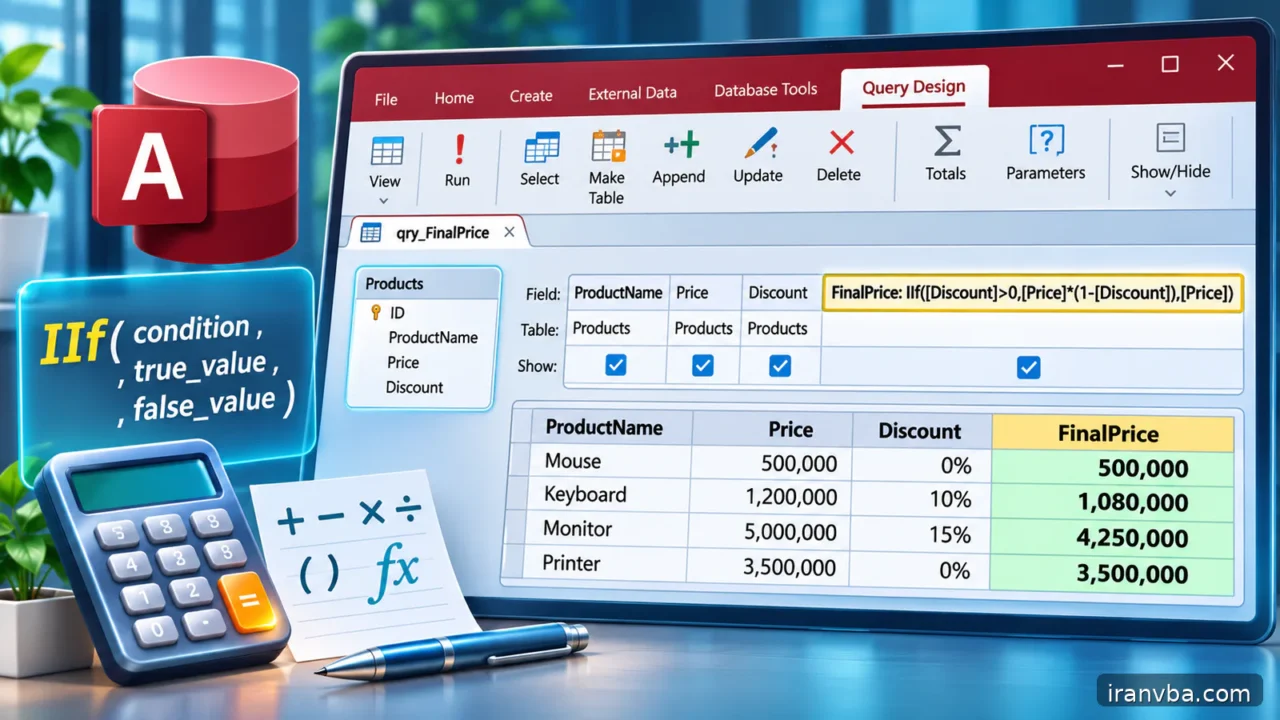
Calculated Fields in Access SQL: Expressions, IIf and Switch
A useful Access query often needs to return more than columns stored in a table. A line total is quantity multiplied by price; a label might describe an order as late or on time; a report may display a formatted name without changing its stored components. Calculated fields make these projections possible directly in a SELECT statement.
This tutorial focuses on expressions, clear aliases, IIf and the limits of conditional calculations. It extends SELECT and aggregate lessons while avoiding a common trap: an expression that looks logically guarded can still fail at runtime. You will build demonstrable calculations, inspect Null behavior and move unsafe branching into better-defined logic.
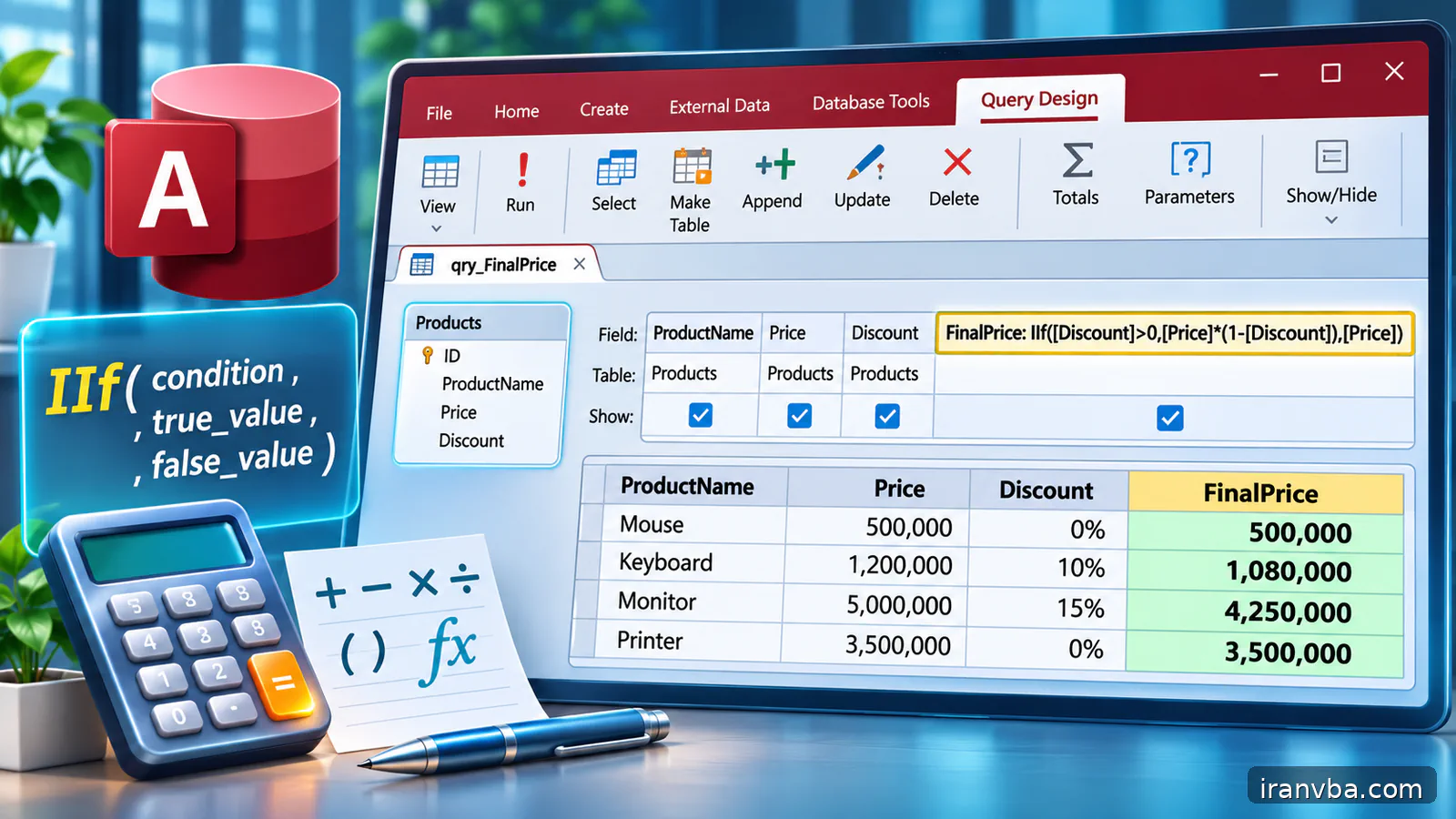
Concept and scope
A calculated field is a value returned by a query, not necessarily a physical column added to a table. In SELECT, give the expression a readable alias such as LineTotal. Consumers can then read a stable column name rather than reconstructing the arithmetic in every report. Keep stored data atomic when possible and derive values from one authoritative source.
IIf(condition, when_true, when_false) chooses which result it returns. However, in the VBA expression engine both result expressions can be evaluated even if one is not selected. An IIf expression that divides by zero in the unused branch can therefore still raise an error. This is an especially important difference from the lazy conditional operator found in some programming languages.
Switch accepts condition/value pairs and returns a corresponding value for the first True condition. It is useful for classification, but its expressions should remain safe to evaluate. For a complicated rule with many thresholds, consider a lookup table or an explicit VBA function instead of burying business policy inside one enormous SELECT statement.
Working data and assumptions
Assume OrderDetails includes OrderDetailID, OrderID, Quantity, UnitPrice and DiscountRate, with Quantity numeric and UnitPrice Currency. Also assume Orders includes OrderID, DueDate, Status and TotalAmount. Populate rows with Quantity 2 and UnitPrice 125, a zero quantity, a Null optional discount and a negative price in a disposable test database to explore both normal and exceptional cases.
Syntax and interpretation
In Access SQL, a named result column can be written as expression AS Alias. For example, Quantity * UnitPrice AS GrossAmount derives a monetary total. When a nullable discount is genuinely optional, Nz(DiscountRate,0) can supply an explicit fallback; choose the replacement type carefully and audit the source Null values.
Use square brackets for field names and meaningful aliases. If you mix numeric and string outputs in one IIf expression, inspect how the receiving form or export interprets the result. Prefer separate numeric Amount and textual StatusLabel columns when downstream systems need both sorting and accurate arithmetic.
SELECT OrderDetailID, Quantity, UnitPrice,
       Quantity * UnitPrice AS GrossAmount
FROM OrderDetails;
Worked examples
The examples move from basic arithmetic to a labeled conditional value and finally to safe treatment of a nullable discount. Each is a SELECT projection, so the original data remains untouched.
Compute a line amount
This calculation multiplies a stored quantity by a stored price. If Quantity is 2 and UnitPrice is 125, GrossAmount is 250. Check units and whether the price already includes tax. A correct multiplication expression can still produce an incorrect business figure if inputs have been defined inconsistently.
SELECT OrderDetailID, Quantity * UnitPrice AS GrossAmount FROM OrderDetails;Label orders with IIf
IIf returns one label based on a threshold. A value exactly equal to 1000 is classified as Large. This particular use is safe because both branches are simple text constants. If the columns can be Null, establish whether a missing amount belongs to either category before presenting the result.
SELECT OrderID, TotalAmount, IIf(TotalAmount >= 1000, "Large", "Standard") AS SizeLabel FROM Orders;Handle an optional discount
The formula assumes a rate between zero and one and treats missing rates as zero discount. Validate that policy and boundary before relying on the output. Never mix a rate stored as 15 with a decimal fraction stored as 0.15; the same expression would then produce a completely different amount.
SELECT OrderDetailID, Quantity * UnitPrice AS GrossAmount,
       Quantity * UnitPrice * (1 - Nz(DiscountRate, 0)) AS NetAmount
FROM OrderDetails;
Running the query from Access VBA
The Access DAO example opens a read-only snapshot of calculated order-line values. It displays derived GrossAmount and does not update UnitPrice or Quantity. The source values should use numeric types; Currency is preferable to binary floating point for monetary values where appropriate.
Keep calculations testable. Compare the query output with a small hand-computed table and check what happens when Quantity is zero. Do not confuse a correct SQL expression with a business rule that has been validated: returned amounts still depend on the assumed meaning of discounts, taxes and rounding.
Option Explicit
Public Sub ShowOrderLineAmounts()
    Dim db As DAO.Database
    Dim rs As DAO.Recordset
    On Error GoTo Fail
    Set db = CurrentDb
    Set rs = db.OpenRecordset( _
        "SELECT OrderDetailID, Quantity, UnitPrice, " & _
        "Quantity * UnitPrice AS GrossAmount " & _
        "FROM OrderDetails ORDER BY OrderDetailID;", dbOpenSnapshot)
    Do Until rs.EOF
        Debug.Print rs!OrderDetailID, rs!GrossAmount
        rs.MoveNext
    Loop
CleanUp:
    If Not rs Is Nothing Then rs.Close
    Set rs = Nothing
    Set db = Nothing
    Exit Sub
Fail:
    Debug.Print Err.Number, Err.Description
    Resume CleanUp
End Sub
Checking results and edge cases
Compute at least three rows by hand and compare the output to SELECT. Add a Null DiscountRate and decide whether it means zero discount or unknown. Inspect intermediate GrossAmount before applying a discount. For classification, test values on both sides of the threshold and exactly equal to it; small boundary mistakes often survive casual demonstrations.
Common mistakes and corrections
Most expression bugs are mistakes of meaning, evaluation or type conversion. A query can run without a syntax error while still reporting misleading totals:
| Symptom or cause | Correction |
|---|---|
| Division by zero inside IIf | IIf may evaluate both branches. Redesign arithmetic with safe operands or explicit VBA branching. |
| Discount is exaggerated | Confirm whether the stored rate is 0.15 or 15 and validate it before multiplying. |
| Totals double after adding joins | Check one-to-many cardinality and count lines before and after the JOIN. |
| Formatted amount sorts alphabetically | Keep money numeric in SQL and apply display formatting in the report. |
Best practices for reliable queries
Prefer explicit aliases such as GrossAmount, DiscountAmount and NetAmount. A final amount is easier to audit when the intermediate values can be compared independently. Avoid a single nested expression containing quantity, price, rate, rounding and a classification rule all at once.
Understand evaluation rules before using IIf around dangerous operations. IIf(Quantity=0, 0, Amount/Quantity) is not a reliable division-by-zero guard because both branches may evaluate. Filter invalid rows, handle division in a VBA If statement or adopt another demonstrably safe design whose operands cannot produce a zero denominator.
Document the units of every calculated column. A discount stored as 0.15 differs from one stored as 15. Currency values, percentages and integer quantities must be converted consistently before multiplication. If the same formula is used in many reports, centralize it in a saved query and add regression data for future schema changes.
Formatting functions change presentation rather than the underlying business meaning. Do not convert a numeric result to a display string and then attempt to sort or sum that string as though it were still numeric. Prefer numeric results from SQL and apply formatting in the form or report layer.
If the source query joins several tables, verify that each order line appears exactly once before calculating totals. A wrong one-to-many JOIN can multiply the number of lines and produce inflated sums even when the arithmetic expression itself is correct. Check row counts before and after joins.
Practice laboratory
Build qryOrderLineAmounts and return OrderDetailID, Quantity, UnitPrice, GrossAmount, DiscountAmount and NetAmount. For three controlled rows, write an expected-output table with amounts to two or four decimal places as appropriate. Verify the same source field is not silently interpreted as both a percentage and an absolute monetary discount.
Add a status label for Orders based on whether DueDate is before today, but decide what happens when DueDate is Null and when the status already says Completed. Test those distinct business states. If the classification grows beyond a few conditions, move the mapping to a clear, documented rule rather than nesting IIf several levels deep.
Related topics
The SELECT lesson introduces output columns, saved queries enable reuse, and the NULL lesson explains how missing values affect arithmetic. Keep conditional calculations consistent with those foundations.
- ORDER BY in Access SQL: Access SQL ORDER BY: Sorting Query Results Quickly
- saved queries in Access: Access SQL Views and Saved Queries: Complete Guide
- Access SQL parameter queries with QueryDef: Parameter Queries in Access SQL with QueryDef and VBA
Frequently asked questions
What are calculated fields in Access SQL?
Calculated fields are expressions returned as named columns by a SELECT query. The values can combine existing fields, constants and supported functions without creating a stored field in the original table. A label such as Quantity * UnitPrice AS GrossAmount makes a calculation reusable by forms and reports. The source values are not changed merely by selecting the derived value.
Does Access IIf evaluate both branches?
Yes. The VBA IIf function evaluates both the truepart and falsepart expressions even though it returns only one result. That means IIf(Quantity=0,0,Amount/Quantity) can still fail with division by zero. Use safe expressions whose operands cannot fail, or perform dangerous conditional arithmetic with a real If statement in VBA. Test boundary and exceptional inputs explicitly.
Is a calculated query column stored in the table?
Usually no. A normal SELECT calculated column is produced when the query runs and does not add a physical field to the source table. That reduces duplicated derived values, but it also means the result changes when source values change. If historical reports require the amount as originally approved, your data model may need a separate recorded transaction value.
How should I use Nz inside an arithmetic expression?
Use Nz only when a well-defined fallback is correct for your domain. Nz(DiscountRate,0) assumes a missing discount rate means no discount. It is not appropriate when the rate is truly unknown or awaiting approval. Keep source fields separate from calculated output, label the fallback and validate that the resulting numeric type is compatible with any subsequent currency arithmetic.
Can an Access query classify rows without changing data?
Yes. Use an expression such as IIf(TotalAmount >= 1000, “Large”, “Standard”) AS SizeLabel to return a label with each row. The expression changes only the query result. Define exact threshold behavior and Null treatment, and prefer a maintained lookup table for complicated classifications with many exceptions or frequently changing policy rules.
Why are my calculated totals wrong after a JOIN?
A one-to-many or many-to-many join can multiply rows before the calculation is summed. Each individual line calculation might be correct, but its value can appear several times in the joined result. Compare the count of unique OrderDetailID values with the row count, inspect join keys and group at the intended granularity before trusting the final report total.
Conclusion
Calculated fields in Access SQL can make reports clearer and reduce duplicated application logic. Use readable aliases, check data types and keep the meaning of each number documented.
For IIf in particular, never assume the unused expression is skipped. Design safe arithmetic first, then compare calculated results against controlled examples, including missing inputs and boundary cases.
Read More
LIKE and Wildcards in Microsoft Access SQL: Practical Patterns
Handling NULL in Access SQL: IS NULL, Nz and Empty Strings
Master Access SQL Constraints and Validation Rules
Access SQL DISTINCT: Remove Duplicate Results Easily
Access SQL Views and Saved Queries: Complete Guide