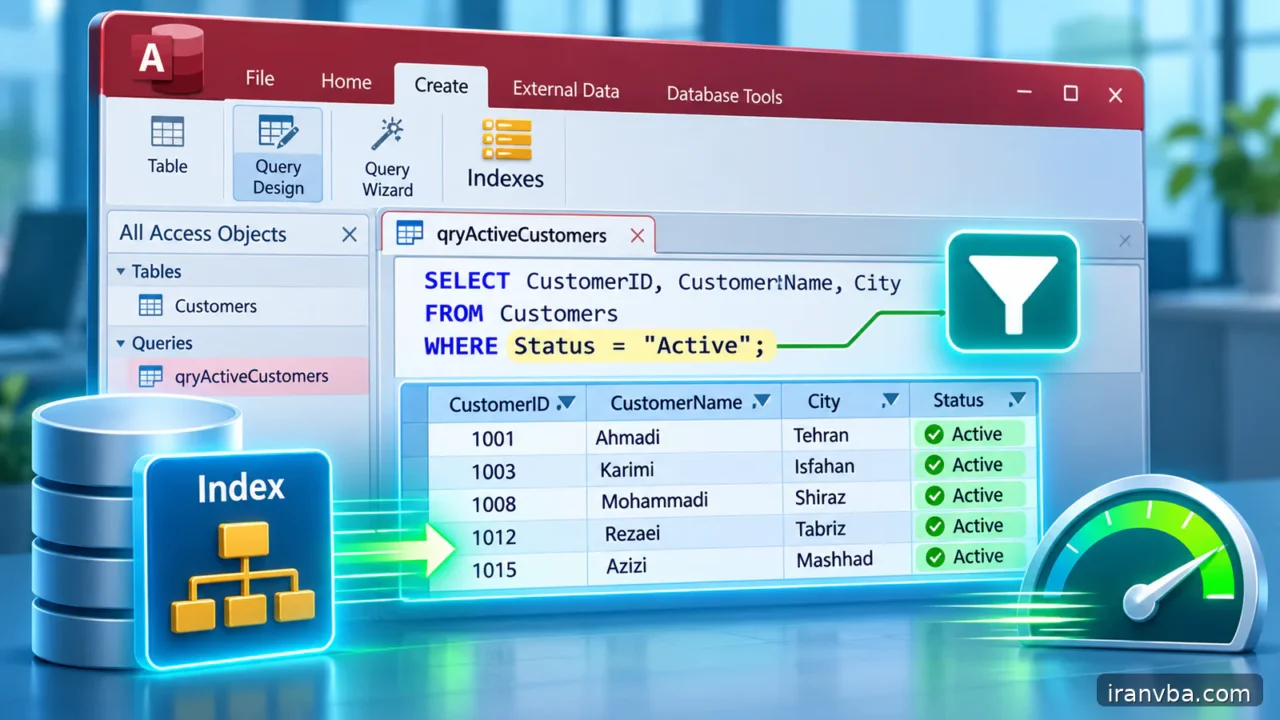
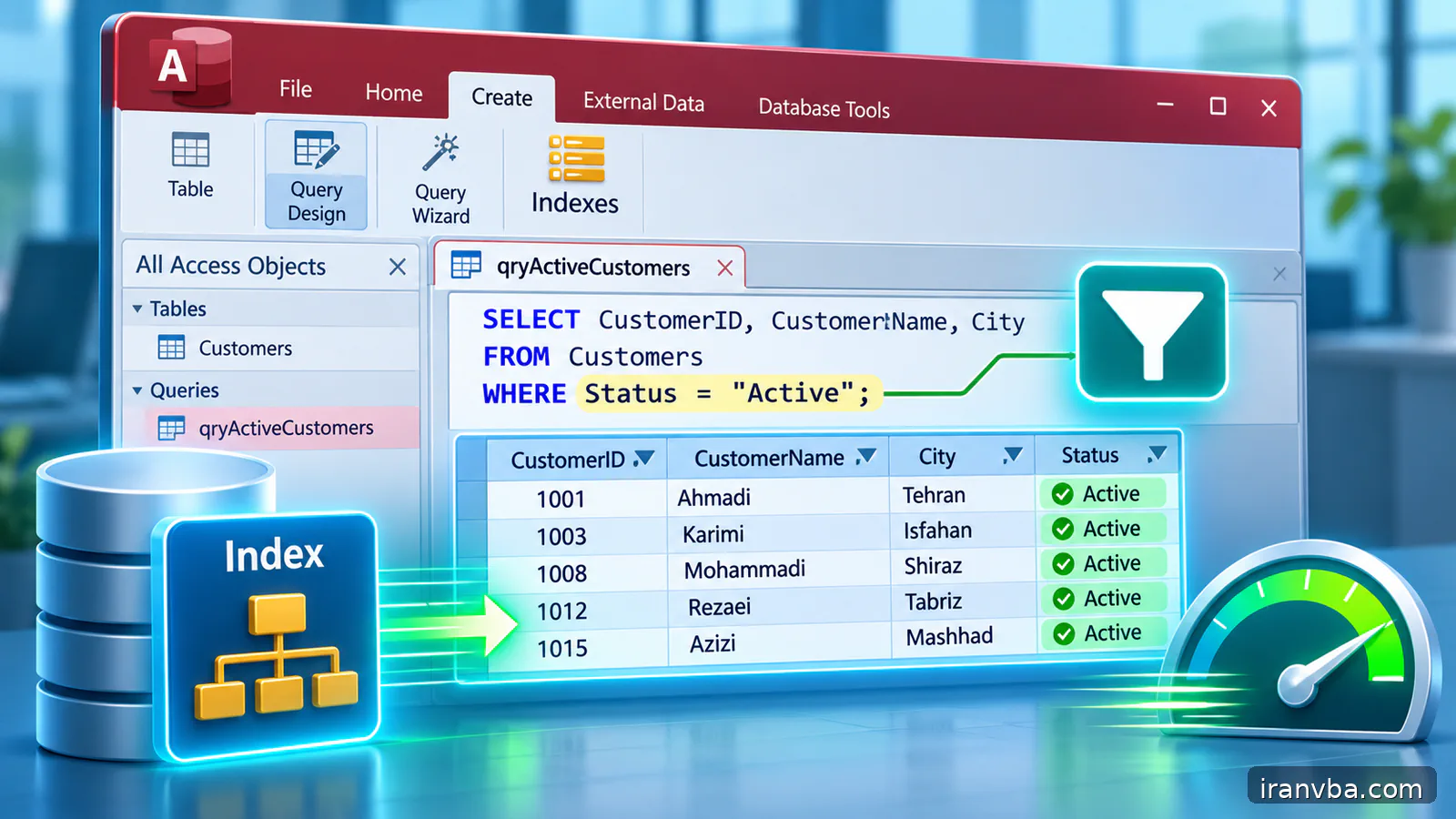
Optimizing Access SQL Queries: Indexes, Filters and DAO Tests
A query that opens instantly with twenty records may take several seconds after a business database reaches hundreds of thousands of rows. The first instinct is often to add indexes everywhere. That can increase write costs without addressing unnecessary columns, an expansive JOIN or an expression that prevents useful filtering.
This advanced lesson combines the earlier INDEX, SELECT, WHERE, JOIN and ORDER BY topics into a measurement-based workflow. The goal is not a magic switch or a universal SQL trick. It is to separate correctness from speed, locate avoidable work, change one factor at a time and confirm improvement with representative Access data.
Concept and scope
Optimization begins by deciding exactly what a query is supposed to return. Define its grain, such as one row per order or one row per order line; define mandatory columns, filters and sorting. Without this contract, a faster query may silently drop valid rows or multiply totals. Performance improvement only counts when the output remains correct.
An index can help Access locate or sort records on selected fields, but its value depends on selectivity and query structure. A field that contains the same value in nearly every row is not always an excellent single-column index candidate. Indexes also have maintenance costs during INSERT and UPDATE, so adding one should be justified by the workload.
The SQL expression engine can evaluate filters on functions, calculations and joined fields. A criterion like Year(OrderDate)=2026 is readable, yet a direct date range may be easier to search efficiently on an indexed OrderDate. Similarly, selecting every column or joining an unrelated table can create unnecessary data movement. Choose a simpler equivalent predicate and confirm its results.
Working data and assumptions
Use Customers(CustomerID, CustomerName), Orders(OrderID, CustomerID, OrderDate, TotalAmount, Status) and OrderDetails(OrderDetailID, OrderID, ProductID, Quantity). Assume Orders contains a realistic mix of statuses and dates. In a test copy, create enough orders to reveal differences in execution time, but never run load-generation scripts on the production database.
Syntax and interpretation
Start from a selective predicate and only project the required fields. Add a supporting index when a frequently used filter, sort or join field benefits from it. The WHERE, JOIN and ORDER BY clauses need to match the report contract; removing them merely to shorten execution is not optimization.
When filtering a date range, compare the raw field against two boundaries rather than wrapping every row in DateValue or Year. When listing customers, specify the columns a form actually uses rather than SELECT *. These changes may reduce work and are easier to reason about than guessing at undocumented engine internals.
SELECT OrderID, CustomerID, TotalAmount
FROM Orders
WHERE OrderDate >= DateSerial(2026,1,1)
  AND OrderDate < DateSerial(2026,2,1)
ORDER BY OrderDate, OrderID;
Worked examples
The next examples contrast an expensive expression with a more direct range, show why a narrow projection matters and demonstrate joins at an explicit row grain. They are alternatives to evaluate, not promises of a fixed percentage improvement.
Filter by an indexed date range
This condition can express the same month as Year(OrderDate)=2026 AND Month(OrderDate)=1 without applying two extraction functions to each candidate date. Verify identical results first. Then measure whether the indexed field and real data distribution allow a performance improvement; the difference is not guaranteed.
SELECT OrderID, OrderDate FROM Orders WHERE OrderDate >= DateSerial(2026,1,1) AND OrderDate < DateSerial(2026,2,1);Return only required columns
A report that only needs these three columns need not retrieve attachment, long-text or diagnostic fields. The benefit may be substantial for wide tables, but the immediate gain is an explicit output contract. If later someone adds columns to Orders, the shape of this query will remain stable.
SELECT OrderID, CustomerID, TotalAmount FROM Orders WHERE Status = "Completed";Count at the intended JOIN grain
This is a query of order lines, not one row per order. An order with three detail rows appears three times. Never sum a header-level TotalAmount from this joined result without first accounting for the one-to-many expansion. Write the report grain in plain language before selecting aggregates or adding more tables.
SELECT O.OrderID, D.OrderDetailID, D.Quantity FROM Orders AS O INNER JOIN OrderDetails AS D ON O.OrderID = D.OrderID;Running the query from Access VBA
The DAO procedure records elapsed time around a read-only snapshot query and counts every returned row. It helps compare two equivalent SELECT variants using the same database and workload. A single timing is weak evidence: repeat the measurement, discard clearly abnormal runs and compare medians or a small range of results.
VBA Timer resets at midnight, so a measurement that crosses midnight needs additional handling. The sample is suitable for short runs during ordinary working hours and prints elapsed seconds to the Immediate window. It does not modify data and deliberately avoids inventing a performance target that would depend on hardware and network conditions.
Option Explicit
Public Sub MeasureCompletedOrders()
    Dim db As DAO.Database
    Dim rs As DAO.Recordset
    Dim started As Single
    Dim rowCount As Long
    On Error GoTo Fail
    Set db = CurrentDb
    started = Timer
    Set rs = db.OpenRecordset( _
        "SELECT OrderID, TotalAmount FROM Orders " & _
        "WHERE Status = 'Completed' ORDER BY OrderID;", dbOpenSnapshot)
    Do Until rs.EOF
        rowCount = rowCount + 1
        rs.MoveNext
    Loop
    Debug.Print "Rows:", rowCount, "Seconds:", Timer - started
CleanUp:
    If Not rs Is Nothing Then rs.Close
    Set rs = Nothing
    Set db = Nothing
    Exit Sub
Fail:
    Debug.Print Err.Number, Err.Description
    Resume CleanUp
End Sub
Checking results and edge cases
Before timing, compare record counts and keys between the old and revised query. Verify totals and Null handling on a small known sample. Then test on realistic data while keeping the application, network path and cache conditions as similar as possible. Report the measurement method along with the result; a faster empty query is not a success.
Common mistakes and corrections
Misleading optimizations often come from changing semantics, testing only tiny data or attributing every delay to missing indexes. Common symptoms include:
| Symptom or cause | Correction |
|---|---|
| Query is fast but returns fewer orders | Compare OrderIDs and filters; removed rows are not a legitimate speed optimization. |
| Adding an index makes imports slower | Account for write maintenance; keep only indexes supported by measured workloads. |
| Totals increase after a JOIN | Inspect the one-to-many relationship and report grain before summing header amounts. |
| Timings differ wildly across runs | Repeat controlled tests and account for cache, network and UI work. |
Best practices for reliable queries
Select only the columns needed by the consuming form, report or export. SELECT * can fetch large memo fields and columns the user never sees. Removing unused fields improves clarity even when performance benefit is modest, and reduces the chance that later schema changes silently alter an export layout.
Choose indexes for fields used frequently and selectively in WHERE, ORDER BY and JOIN. Check existing primary-key and foreign-key indexes before creating duplicates. Measure the cost of data insertion and updates as well as the read query, especially in systems with regular bulk imports.
Keep a record of baseline query text, row count, elapsed time, data size and environment. Change one condition at a time. If the revised query is faster but produces a different set of OrderIDs, do not present it as an improvement until the business accepts the changed semantics.
Access does not provide the same optimizer diagnostics as SQL Server. Avoid promising that a given predicate always forces a particular execution plan; local Jet/ACE behavior can vary. Use repeatable timings and documented indexes as evidence rather than unsupported claims about internal plan selection.
A slow report can be limited by forms, rendering, disk, linked tables, antivirus, network latency or VBA loops rather than SQL alone. Compare the time spent obtaining the Recordset with the time spent formatting the report. Optimize the bottleneck you have measured, not the component that merely looks complicated.
Practice laboratory
Create two equivalent monthly order queries: one filtering with Year(OrderDate)=2026 AND Month(OrderDate)=1 and another using a half-open DateSerial range. Compare the OrderIDs and totals first. Then measure both versions repeatedly on a representative dataset and decide whether an OrderDate index changes the result.
Build a customer-order report that accidentally multiplies rows by joining to OrderDetails. Fix the grain by deciding whether the report needs orders or order lines. Compare counts before and after. Finally remove unused SELECT columns, add a deterministic ORDER BY and document what each change did to correctness and elapsed time.
Related topics
Index management explains how to create and inspect indexes, QueryDef makes the query repeatable, and ORDER BY describes why sorting order must be explicit. This lesson turns those individual techniques into a practical tuning method.
- saved queries in Access: Access SQL Views and Saved Queries: Complete Guide
- ORDER BY in Access SQL: Access SQL ORDER BY: Sorting Query Results Quickly
- Access SQL parameter queries with QueryDef: Parameter Queries in Access SQL with QueryDef and VBA
Frequently asked questions
What is Access SQL query optimization?
It is the process of reducing the work needed to produce a specified correct result. Improvements can include selective predicates, appropriate indexes, fewer projected columns and removing unnecessary joins. A change is only an improvement if it preserves the intended records and calculations. Always compare both correctness and elapsed time on a representative dataset before replacing a working query.
Does adding more indexes always make Access faster?
No. An index can help selected searches, sorts and joins, but it consumes storage and must be maintained during inserts and updates. An index on a low-selectivity field may offer little benefit. Start by reviewing existing indexes, which queries run often and how much data is changed. Measure the full workload instead of judging solely from one SELECT query.
Why can a date range be faster than Year(OrderDate)?
A direct range compares the stored field against fixed boundaries, while Year(OrderDate) asks the expression engine to transform date values. Depending on indexes and data distribution, the former may allow more efficient searching. It is not a universal guarantee. Verify both conditions return the same OrderIDs, including month-end timestamps, and measure repeated runs on representative data.
How do I measure an Access SQL query fairly?
Run two semantically equivalent queries on the same database, with similar application and network conditions. Record returned row counts, selected columns, elapsed time and whether the cache may have been warmed by earlier runs. Repeat the test rather than trusting one timing. If a VBA procedure formats data, measure query execution separately from display work so the bottleneck is not misidentified.
Can SELECT * slow down Access queries?
Potentially. SELECT * retrieves every exposed column, including fields that a report may never need. Wider rows can increase memory or transfer work, especially with long text and linked data sources. Explicit projection also makes the result contract stable when new columns are added to the table. Measure the benefit rather than assuming every table will show a dramatic speed change.
Why are my totals wrong after optimizing a JOIN?
The new join may have changed the number of rows representing each business entity. Joining orders to order details changes the grain to individual lines, so a header-level amount can repeat. Compare the old and new sets of keys, review join conditions and aggregate at the correct grain. Performance improvements must not silently change the meaning of a row.
Conclusion
Access SQL query optimization should be evidence-based. Define the correct result, remove unnecessary work, choose indexes deliberately and measure comparable executions on real-sized test data.
A faster query is valuable only when its records, joins, totals, Null policy and order remain suitable for the report. Documenting those invariants is the difference between sustainable optimization and an impressive-looking mistake.
Read More
Date and Time Queries in Access SQL: DateAdd and DateDiff
Calculated Fields in Access SQL: Expressions, IIf and Switch
LIKE and Wildcards in Microsoft Access SQL: Practical Patterns
Handling NULL in Access SQL: IS NULL, Nz and Empty Strings
Master Access SQL Constraints and Validation Rules