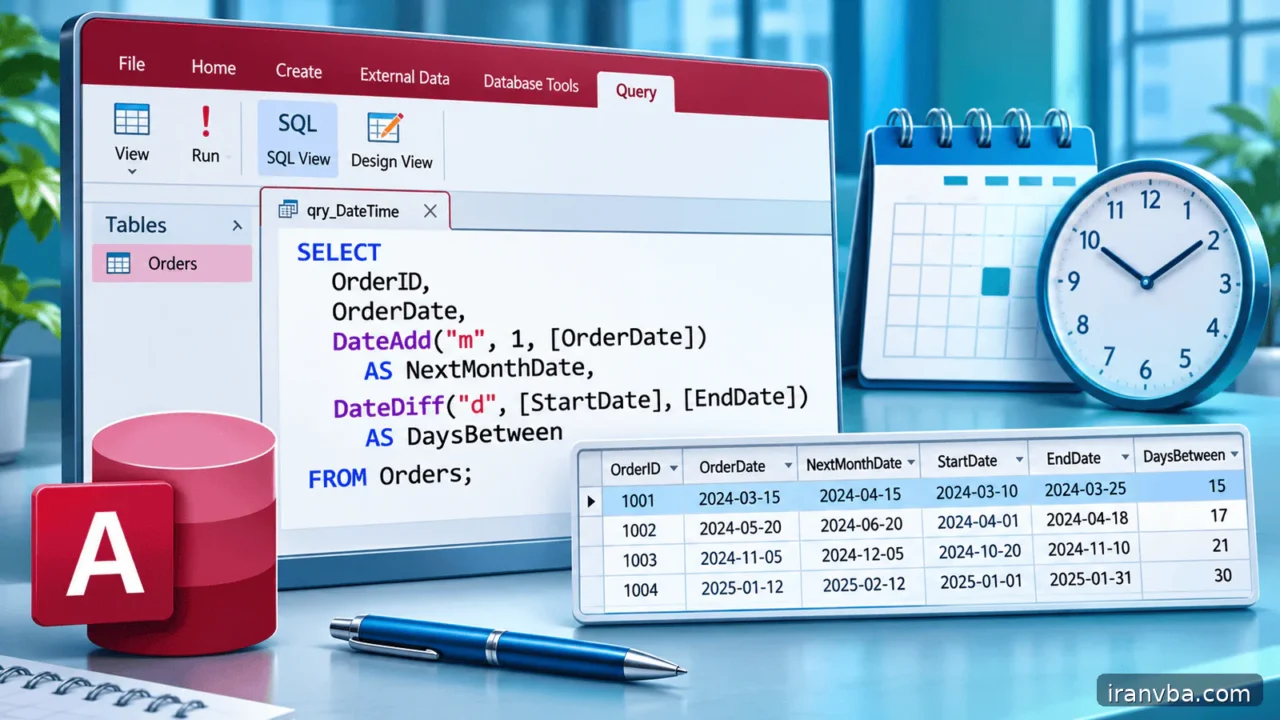
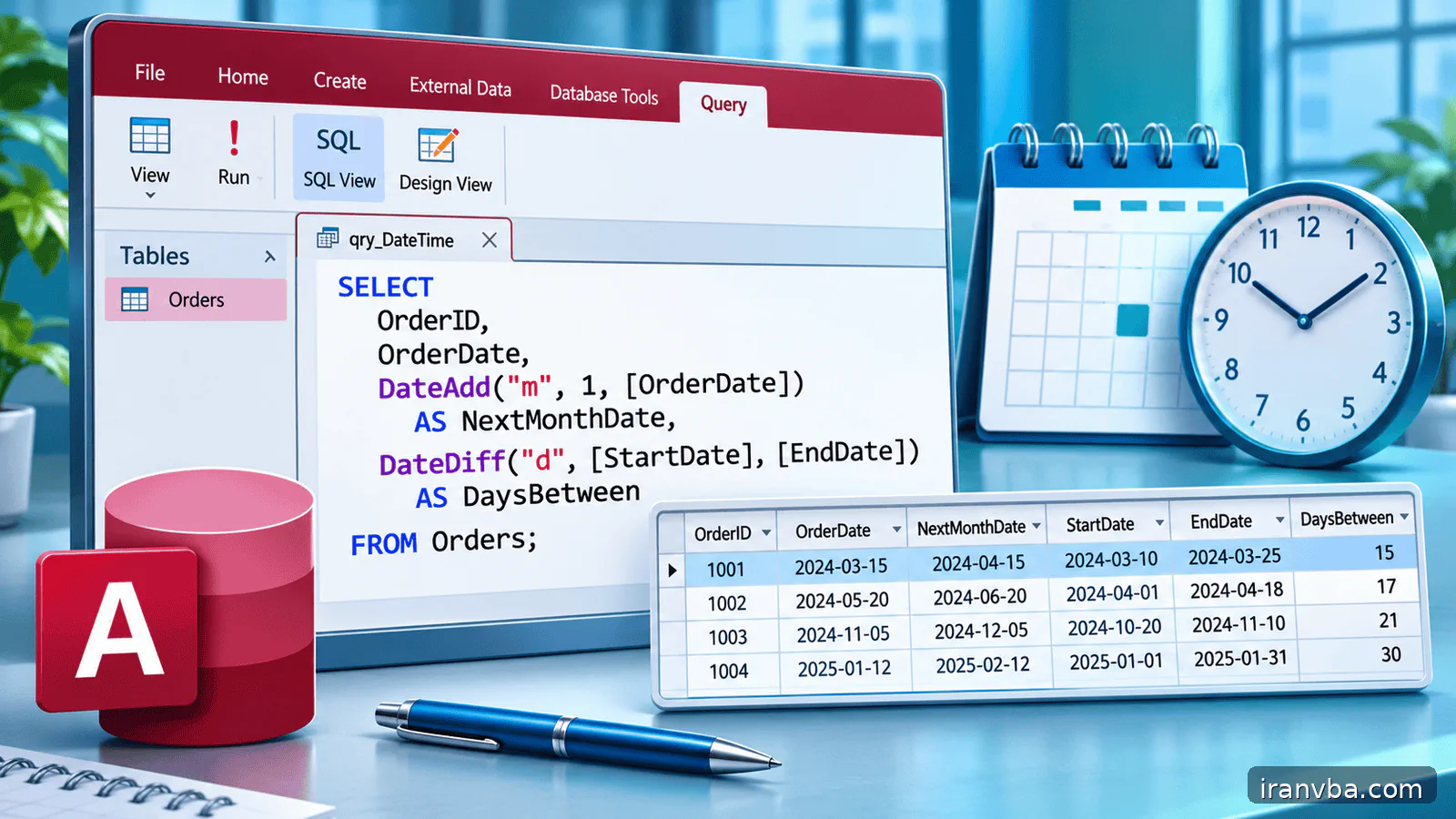
Date and Time Queries in Access SQL: DateAdd and DateDiff
Date filters are common in invoices, attendance systems and operational dashboards. They are also a quiet source of incorrect results. A record saved at 16:30 on the final day of a report may disappear if the filter compares it with a midnight date literal. Regional date formats add another layer of confusion.
This lesson explains how Access stores date and time together, how to filter a complete period without losing final-day transactions and when Date(), DateAdd() and DateDiff() are useful. It extends the WHERE and parameter-query lessons with examples suited to real Access tables and reproducible DAO code.
Concept and scope
An Access Date/Time value can contain both a calendar date and a time-of-day component. Two records shown with the same short date may compare differently because one has a nonzero time portion. A report that uses <= #2026-01-31# therefore does not automatically include every transaction from the afternoon of that date.
A half-open interval, with >= the starting midnight and < the midnight immediately after the reporting period, is an effective approach. For January, use OrderDate >= DateSerial(2026,1,1) AND OrderDate < DateSerial(2026,2,1). It includes all times on January 31 while excluding February 1. This remains clear regardless of seconds or fractions present in the stored value.
Date() returns the current date, DateAdd(interval,number,date) shifts a date and DateDiff(interval,start,end) counts boundaries between dates according to the requested interval. DateDiff(“yyyy”,BirthDate,Date()) counts year boundaries, not necessarily completed birthdays. Interpret functions according to business rules rather than treating their names as a substitute for analysis.
Working data and assumptions
Use Orders with OrderID, CustomerID, OrderDate, DueDate, TotalAmount and Status. Add orders dated January 1 at midnight, January 31 at 23:59, February 1 at midnight and one with a Null DueDate. These controlled rows reveal whether a filter includes the intended endpoints. If stored date/time values originate from another system, confirm the timezone convention before testing.
Syntax and interpretation
Access date literals use # delimiters in SQL text, but locale-sensitive strings can be misinterpreted. In saved queries controlled by VBA, typed DateTime parameters are usually clearer than constructing literals with user-entered dates. For fixed examples, DateSerial(year,month,day) avoids ambiguity in the intended calendar date.
Use interval strings with Access functions: DateAdd(“d”, 7, Date()) means seven days after today; DateDiff(“d”, StartDate, EndDate) counts day boundaries. The interval argument is quoted. Do not copy SQL Server datepart syntax without adapting it to Access.
SELECT OrderID, OrderDate, TotalAmount
FROM Orders
WHERE OrderDate >= DateSerial(2026, 1, 1)
  AND OrderDate < DateSerial(2026, 2, 1)
ORDER BY OrderDate, OrderID;
Worked examples
The three examples cover a complete calendar month, a moving recent-date window and overdue orders. Their boundary choices are intentional; replace them only after deciding precisely whether the beginning and ending instants should be included.
Complete-month reporting
A January 31 record with a late-evening timestamp is included, but a February 1 record is excluded. Unlike an inclusive end at January 31 midnight, this boundary does not accidentally omit the rest of the last day. The technique can also be used for weeks or financial reporting periods.
SELECT OrderID, OrderDate FROM Orders WHERE OrderDate >= DateSerial(2026,1,1) AND OrderDate < DateSerial(2026,2,1);Orders from the last seven calendar dates
This definition includes today and the six previous calendar dates, regardless of time-of-day. It is deliberately not a rolling 168-hour filter. If the business asks for the last 168 hours, use a Now()-based lower boundary instead of Date(), and explain the difference to report users.
SELECT OrderID, OrderDate FROM Orders WHERE OrderDate >= DateAdd("d", -6, Date()) AND OrderDate < DateAdd("d", 1, Date());Overdue but incomplete orders
The query classifies due dates before the start of today as overdue, excluding completed orders. Null due dates do not pass the comparison, so they need a separate missing-date audit. If status can be Null, decide explicitly whether such orders should also be included or reviewed separately.
SELECT OrderID, DueDate, Status FROM Orders WHERE DueDate < Date() AND Status <> "Completed";Running the query from Access VBA
The VBA procedure creates a temporary DAO QueryDef with two DateTime parameters, one inclusive and one exclusive. It constructs the next-month boundary using DateSerial and binds actual Date values, avoiding ambiguity from regional date strings. A snapshot is enough because the procedure only reads orders.
This is Access VBA code intended for an Access database containing Orders. Check that OrderDate is Date/Time and not a text column containing localized strings. If your application stores UTC times, perform timezone conversions at a documented boundary before comparing data; a local midnight is not interchangeable with a UTC midnight.
Option Explicit
Public Sub ShowJanuaryOrders()
    Dim db As DAO.Database
    Dim qdf As DAO.QueryDef
    Dim rs As DAO.Recordset
    On Error GoTo Fail
    Set db = CurrentDb
    Set qdf = db.CreateQueryDef("", _
        "PARAMETERS [pStart] DateTime, [pEndExclusive] DateTime; " & _
        "SELECT OrderID, OrderDate FROM Orders " & _
        "WHERE OrderDate >= [pStart] AND OrderDate < [pEndExclusive] " & _
        "ORDER BY OrderDate, OrderID;")
    qdf.Parameters("pStart") = DateSerial(2026, 1, 1)
    qdf.Parameters("pEndExclusive") = DateSerial(2026, 2, 1)
    Set rs = qdf.OpenRecordset(dbOpenSnapshot)
    Do Until rs.EOF
        Debug.Print rs!OrderID, rs!OrderDate
        rs.MoveNext
    Loop
CleanUp:
    If Not rs Is Nothing Then rs.Close
    Set rs = Nothing
    Set qdf = Nothing
    Set db = Nothing
    Exit Sub
Fail:
    Debug.Print Err.Number, Err.Description
    Resume CleanUp
End Sub
Checking results and edge cases
Test dates at the start boundary, one second before the end boundary and exactly at the end boundary. The first two should qualify and the last should not. Include a Null OrderDate when the field permits one and note that a normal range predicate excludes it. Re-run the query in a month of 28 or 29 days to check that your logic does not depend on a fixed month length.
Common mistakes and corrections
Date query failures often arise from hidden time components, ambiguous text conversion and unclear boundary rules. Check the predicate against known timestamps:
| Symptom or cause | Correction |
|---|---|
| Final-day transactions are missing | Use an exclusive next-day or next-period boundary instead of <= ending date at midnight. |
| The same date string means different dates | Use DateSerial for fixed SQL or typed DateTime parameters from VBA. |
| DateDiff year count seems to overstate age | It counts calendar-year boundaries; use a completed-birthday rule to calculate age. |
| Due-date results omit missing dates | Null due dates do not match ordinary comparisons; audit them separately using IS NULL. |
Best practices for reliable queries
Prefer typed DateTime parameters for a range supplied by a form or application. Bind the start and end values without converting them to localized text. This reduces the chance that a date such as 04/05 is understood as April 5 in one environment and May 4 in another.
Keep the indexed date field unwrapped in the WHERE clause when possible. Instead of DateValue(OrderDate) = Date(), compare OrderDate >= Date() AND OrderDate < DateAdd(“d”,1,Date()). This can make a range predicate easier for the engine to use effectively, though measured behavior depends on the data and indexing.
Document whether a day, week or month is defined in local business time or in a server timezone. For operational reports that cross multiple regions, conversion is part of the query specification. Access Date/Time does not by itself record a complete timezone policy.
DateDiff counts transitions at the requested unit. DateDiff(“yyyy”,birth,Date()) is not a precise age in completed years because it increments at a calendar-year boundary, even if the birthday has not occurred. Use an explicit birthday check or a tested age routine when legal or HR decisions depend on completed years.
For fiscal or Persian-calendar reporting, first establish the real date bounds with a trusted calendar conversion layer, then pass the resulting Date values as typed parameters. Do not assume DateSerial operates on the Solar Hijri calendar or that formatting a Gregorian Date changes the date arithmetic model.
Practice laboratory
Create a monthly order report with pStart and pEndExclusive parameters. Test it with orders at 2026-01-01 00:00, 2026-01-31 23:59 and 2026-02-01 00:00. Write down which OrderIDs must appear. Change the requested month to February without editing the SQL text itself, only the bound values.
Build an overdue report that excludes completed orders and distinguishes missing DueDate from a future due date. Add a separate query that counts orders due in the next seven days. Compare the result around midnight and document whether “next seven days” means seven calendar dates or a rolling interval of exactly 168 hours.
Related topics
WHERE defines the comparison logic, QueryDef supplies typed period inputs, and ORDER BY gives stable chronological presentation. Together they make reliable time-based reporting in Access possible.
- ORDER BY in Access SQL: Access SQL ORDER BY: Sorting Query Results Quickly
- saved queries in Access: Access SQL Views and Saved Queries: Complete Guide
- Access SQL parameter queries with QueryDef: Parameter Queries in Access SQL with QueryDef and VBA
Frequently asked questions
Why do Access SQL date filters miss the last day?
A Date/Time value may contain a time component even when the Access datasheet shows only a short date. Comparing the field with an end date at midnight omits records later on that day. Use a half-open range: include dates at or after the start and strictly before midnight of the next day or period. This handles time values without guessing a maximum time.
Should I use DateSerial or date literals?
Access supports # delimiters around date literals, but strings supplied in different regional formats can be interpreted unexpectedly. DateSerial(year,month,day) expresses a fixed calendar date unambiguously in Access expressions. For dates chosen at runtime, typed DateTime parameters passed through DAO QueryDef are usually even better because the application does not need to build SQL text from localized date strings.
What is the difference between Date() and Now()?
Date() returns the current calendar date with a midnight time component, while Now() includes the current time of day. A filter based on Date() is appropriate for complete calendar-day boundaries. A rolling period measured in hours or minutes generally needs Now(). Define which interpretation users expect before selecting the function, especially for reports refreshed around midnight.
How does DateAdd work in Access queries?
DateAdd takes a quoted interval code, a number of units and an input date. DateAdd(“d”,7,Date()) adds seven days to today, while a negative number moves backward. Codes such as “m” represent months and “yyyy” years. Test month-end behavior instead of assuming every month has the same number of days, and keep the reporting-period definition documented.
Can DateDiff calculate exact age for a person?
A simple DateDiff(“yyyy”, BirthDate, Date()) counts transitions between calendar years, not completed birthdays. It can be one year higher than the legal or practical age before the birthday occurs in the current year. For age-dependent decisions, subtract a year when the birthday has not yet occurred, and test leap-day cases according to the applicable business or legal rule.
How should Persian-calendar report dates be handled?
A displayed Persian date is not the same thing as a distinct Access storage type or a different arithmetic engine. Convert the requested Solar Hijri period boundaries through a trusted calendar routine, then pass the corresponding DateTime values as parameters. Test the beginning and end of the Persian month, including leap-year cases. Avoid comparing localized formatted date strings as if they were chronological numeric values.
Conclusion
The safest date queries in Access SQL define period boundaries explicitly. Use a half-open interval for Date/Time columns that may contain time, bind typed parameters and use DateSerial or DateAdd instead of guessing at localized date-string interpretation.
Test the first and last instants of the period, missing dates and timezone assumptions. A date report becomes dependable only after those boundaries are demonstrated rather than inferred from how a datasheet happens to display dates.
Read More
Calculated Fields in Access SQL: Expressions, IIf and Switch
LIKE and Wildcards in Microsoft Access SQL: Practical Patterns
Handling NULL in Access SQL: IS NULL, Nz and Empty Strings
Master Access SQL Constraints and Validation Rules
Access SQL DISTINCT: Remove Duplicate Results Easily