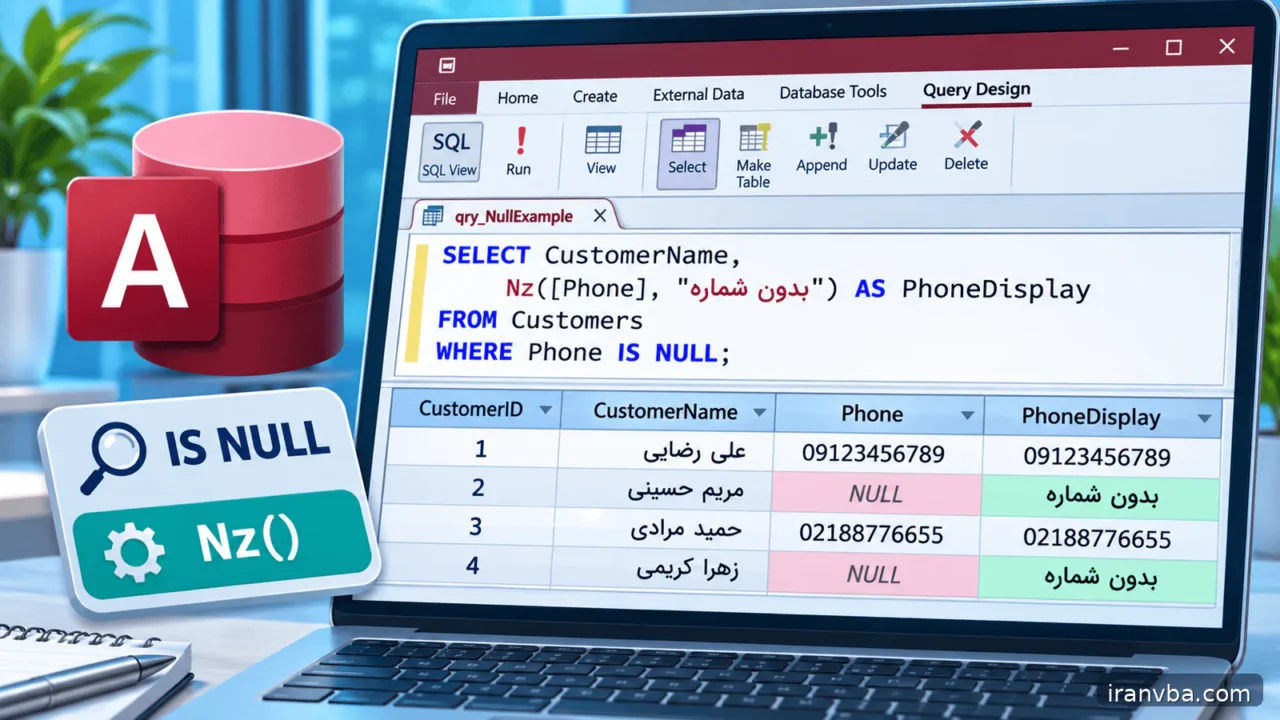
Handling NULL in Access SQL: IS NULL, Nz and Empty Strings
A missing phone number is not necessarily an empty phone number, and an unknown discount is not automatically zero. In Microsoft Access, NULL expresses the absence of a value. Confusing that absence with an ordinary number or an empty string can quietly change reports, calculations and search results.
This tutorial follows the earlier WHERE, aggregate and data-type lessons but focuses on the special logic of missing data. You will identify NULL correctly, use Nz only when a default has a defensible meaning, inspect aggregates and handle missing values through DAO without misleading the people who rely on the report.
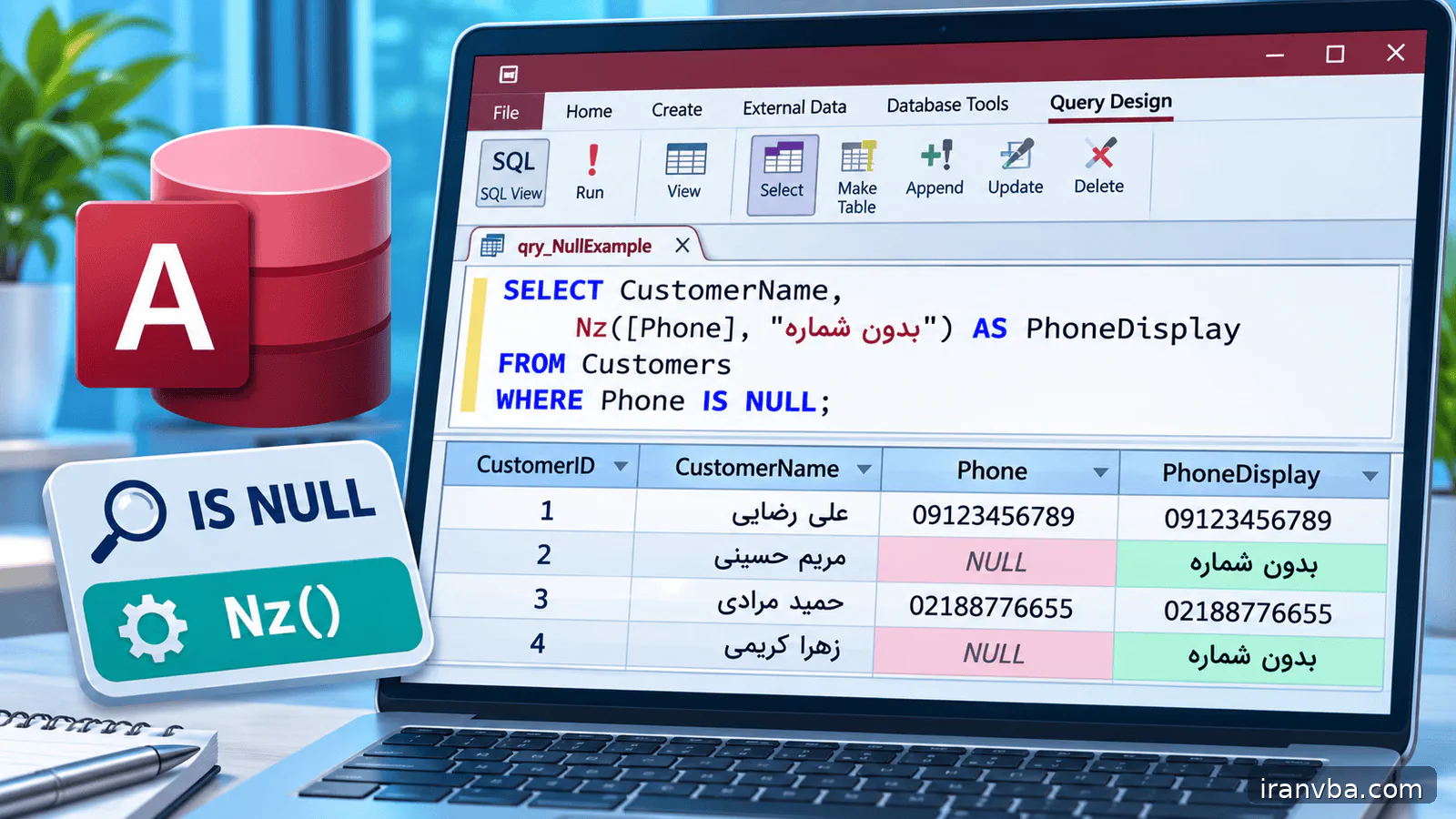
Concept and scope
Null is a marker of unknown or unavailable data, not the text “Null”. It is different from zero, False and a zero-length string. A nullable Amount may be unknown, whereas an Amount of zero states that a known amount is zero. Those values answer very different accounting questions and should not be merged automatically.
SQL comparisons involving Null do not behave like ordinary True or False comparisons. WHERE Amount = Null does not identify missing values. Use Amount Is Null to select missing records and Is Not Null to select records with actual values. The distinction matters in WHERE conditions, calculated expressions and JOIN results.
In Access expressions, Nz(value, replacement) supplies a substitute when the expression is Null. A replacement such as zero can make arithmetic possible, but it also encodes a business assumption. Keep that assumption visible in the report; otherwise readers may interpret estimated zeros as observed transactions.
Working data and assumptions
Assume Customers contains CustomerID, CustomerName, Email and PhoneNumber. Orders contains OrderID, CustomerID, TotalAmount (Currency) and DiscountAmount (Currency), where DiscountAmount is allowed to be Null. Add a known zero discount, a positive discount, a missing discount, an empty Email string and a Null Email to see why a single “blank” filter is insufficient.
Syntax and interpretation
Use IS NULL and IS NOT NULL rather than the equality operator. To find both truly missing and intentionally blank text fields, combine Email Is Null with Email = “” using OR. This policy should be explicit because Access can store an empty string only where field settings allow it.
When calculations require a replacement, state the requested type through the replacement value: Nz(DiscountAmount, 0) is a numeric assumption, whereas Nz(Email, “”) is a text assumption. A parameter may be Null too; do not assume that an optional filter can be implemented with ordinary equality when no value is supplied.
SELECT CustomerID, CustomerName, Email
FROM Customers
WHERE Email IS NULL OR Email = "";
Worked examples
The next queries separate locating missing values, presenting a missing amount and auditing incomplete contact information. This sequence avoids the common mistake of changing the underlying meaning before the missing records have been counted.
Audit missing discounts
This query lists unknown discounts only. An order with a discount equal to zero is a different case and is intentionally excluded. Count these missing discounts separately before deciding whether the report should replace them with zeros or send them back for correction.
SELECT OrderID, DiscountAmount FROM Orders WHERE DiscountAmount IS NULL;Display an amount with a deliberate fallback
The ReportDiscount alias makes the transformation visible. The source DiscountAmount remains unchanged. This approach is appropriate only if the business rule says the report should treat an unavailable discount as zero. Otherwise display a missing-value marker and keep the amount out of certainty-dependent calculations.
SELECT OrderID, TotalAmount, Nz(DiscountAmount, 0) AS ReportDiscount FROM Orders;Find both kinds of blank email
A nullable text field may contain Null or an explicitly stored zero-length string, depending on its properties. These two rows often look identical in a datasheet. The combined condition is useful for an operational contact list, but keep separate counts when measuring the quality of data entry.
SELECT CustomerID, CustomerName FROM Customers WHERE Email IS NULL OR Email = "";Running the query from Access VBA
The Access VBA example reads customers from a DAO snapshot and displays a distinct marker for missing email values. It uses IsNull on the field value before converting that value into text. Reading the data first and formatting it second prevents a report procedure from silently overwriting missing information in the database.
The code is meant for an Access standard module with a Customers table. It never updates any rows. Extend the display logic carefully: a zero-length string may be shown as “provided but blank”, while Null can be shown as “not provided”. That difference may help staff repair data at the source instead of patching every report.
Option Explicit
Public Sub AuditMissingEmail()
    Dim db As DAO.Database
    Dim rs As DAO.Recordset
    Dim emailValue As Variant
    On Error GoTo Fail
    Set db = CurrentDb
    Set rs = db.OpenRecordset( _
        "SELECT CustomerID, Email FROM Customers ORDER BY CustomerID;", _
        dbOpenSnapshot)
    Do Until rs.EOF
        emailValue = rs!Email.Value
        If IsNull(emailValue) Then
            Debug.Print rs!CustomerID, "<missing>"
        ElseIf Len(CStr(emailValue)) = 0 Then
            Debug.Print rs!CustomerID, "<empty>"
        Else
            Debug.Print rs!CustomerID, CStr(emailValue)
        End If
        rs.MoveNext
    Loop
CleanUp:
    If Not rs Is Nothing Then rs.Close
    Set rs = Nothing
    Set db = Nothing
    Exit Sub
Fail:
    Debug.Print Err.Number, Err.Description
    Resume CleanUp
End Sub
Checking results and edge cases
Count Null discounts separately from zero discounts. Compare Count(*) with Count(DiscountAmount) on the same set of orders; they need not agree because the latter does not count Null values. Check the data type of the expression after using Nz and test the result with a calculated total and a report exported to another application.
Common mistakes and corrections
Null-related errors often look like a wrong total or a missing row rather than a syntax error. Examine both the query and the business meaning of its replacements:
| Symptom or cause | Correction |
|---|---|
| WHERE Email = Null returns no missing rows | Use Email IS NULL; Null cannot be located with normal equality. |
| Zero and missing discounts are counted together | Report DiscountAmount = 0 and DiscountAmount IS NULL in distinct categories. |
| Count(*) differs from Count(field) | The latter skips Null field values; this is usually an expected semantic difference. |
| Nz hides incomplete records | Audit missing values before converting them and label derived numbers clearly. |
Best practices for reliable queries
Document whether a missing amount means unknown, not applicable, not entered yet or truly zero. Only some of those cases justify Nz(…,0). If the difference is operationally important, add a status field instead of trying to infer all states from one nullable numeric column.
Avoid applying Nz to every field as a reflex. It can hide data-quality problems and make a Null check impossible after the replacement. Keep an audit query that counts missing values and distinguishes them from empty strings. Report both the completed and incomplete row counts when a summary could otherwise deceive.
For numerical summaries, understand each aggregate independently. Count(*) includes rows, Count(field) excludes Null values, and Sum ignores Null expressions. If a group contains no non-Null amount, design a display default deliberately, without treating that display choice as a stored source value.
Do not write an equality comparison to Null and hope that False means missing. The correct syntax for a missing value in Access SQL is IS NULL. In an OUTER JOIN, a missing value from the unmatched side can mean that no related record exists, not that someone left a column blank in a real related row.
If an indexed column appears in a filter, applying a function such as Nz to that column may make access to the index less straightforward. Compare an explicit IS NULL or normal equality predicate with a function-wrapped predicate. Choose correctness first and measure the effect on actual data.
Practice laboratory
Create a data-completeness query that reports CustomerID, CustomerName and an EmailStatus calculated field. Use distinct labels for Null, empty string and nonempty text. Build a second query that counts each status and reconcile the sum of those counts with the total customer count.
Create an order summary that reports both Sum(DiscountAmount) and Count(DiscountAmount) next to Count(*). Have another person explain what each number means without seeing the SQL. If they interpret a Null discount as a known zero, revisit the labels and business definition before deploying the report.
Related topics
WHERE explains row-level conditions, QueryDef helps when optional parameters are supplied from VBA, and saved queries make data-completeness audits reusable. These related lessons are the foundation of reliable Null handling.
- Access SQL parameter queries with QueryDef: Parameter Queries in Access SQL with QueryDef and VBA
- ORDER BY in Access SQL: Access SQL ORDER BY: Sorting Query Results Quickly
- saved queries in Access: Access SQL Views and Saved Queries: Complete Guide
Frequently asked questions
What does NULL in Access SQL mean?
Null means no value is available for that field. It is not the number zero, an empty string, False or the literal word Null. The distinction becomes important whenever a report says that a transaction had no discount: the value may have been measured as zero or the discount may simply not have been entered yet.
Why does Field = Null not work?
Null does not participate in normal equality tests the way ordinary values do. A comparison such as Field = Null does not identify unknown values. Access SQL provides IS NULL and IS NOT NULL for this purpose. Use these predicates in the WHERE clause, and remember that a zero-length string must be tested separately if the field is allowed to store one.
When is Nz(value, 0) appropriate?
Use a zero fallback only when a missing input is allowed to mean zero for the specific calculation or display. For example, a report policy might permit treating a missing optional discount as no discount. Do not use it for an amount that is genuinely unknown. Keep the original field and the report-only fallback distinguishable so auditors can still identify incomplete records.
Are Null and an empty string identical in Access?
No. Null represents absence of a value; an empty string is a stored text value with length zero. Whether a Short Text field accepts a zero-length string depends on its field settings. A data-quality report may need to find both, but it should ideally count them separately. Use IS NULL for the first and = “” for the second.
Does Count(column) include NULL rows?
Count(column) counts non-Null values in that column, while Count(*) counts rows. If ten orders exist but two have no DiscountAmount, Count(*) is ten and Count(DiscountAmount) is eight. This is not a database bug; the functions answer different questions. Put both counts in a completeness report when the difference affects interpretation of a total or average.
How should Access VBA read a nullable text field?
Read the field into a Variant and test IsNull before converting it to String or calling string functions. If it is Null, show a dedicated missing-value marker; otherwise decide whether a zero-length string deserves a different label. Close the DAO Recordset in a cleanup block on both success and error. The procedure should not silently update the source data while formatting a report.
Conclusion
Handling NULL in Access SQL requires a business decision as much as a technical one. Use IS NULL for missing records, keep empty text separate and apply Nz only when a replacement is deliberately justified.
The best validation is to construct examples in which Null, zero and blank lead to different outcomes. When the results and their labels survive those tests, reports and downstream code become significantly easier to trust.
Read More
Master Access SQL Constraints and Validation Rules
Access SQL DISTINCT: Remove Duplicate Results Easily
Access SQL Views and Saved Queries: Complete Guide
Access SQL ORDER BY: Sorting Query Results Quickly
Access SQL Data Types and Field Definitions Guide